AI Photo Redesign Get the App

AI Proposal Photo

An AI proposal photo merges two separate photos into one realistic engagement moment together - even if you were never in the same place. Add one photo of each person, choose the proposal scene, and Love Story composes you into a single shared shot while each person keeps their own real face. It runs on iPhone and gives you the engagement picture you never got to take, in seconds.

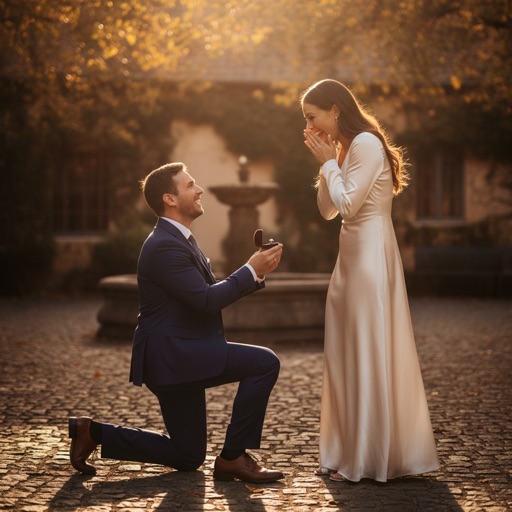
AI proposal photo of two people together in one realistic engagement scene, each keeping their own real face

Recreate the moment you asked

Make the AI proposal photo you wish someone had captured - when you were apart, when the moment passed, or when no one was holding a camera.

💍

The proposal shot

Put two people in one realistic proposal photo on one knee, ring in hand, from two separate pictures.

🌍

Together across distance

Long distance or different cities - build the engagement moment together without being in the same room.

😊

Each keeps their own face

Face preservation keeps both people recognizable - it only places you together, it never swaps a face.

🌅

Romantic settings

A sunset, a rooftop, a garden - the AI builds a warm engagement scene around both of you.

Ready in seconds

No editing skills and no cutouts. The AI proposal photo generates in seconds on your iPhone.

🖼️

HD & 4K to keep

Export the engagement picture in HD or 4K, ready to frame, print or share.

More Love Story scenes

One tap sets the moment. The AI composes both people into that single scene.

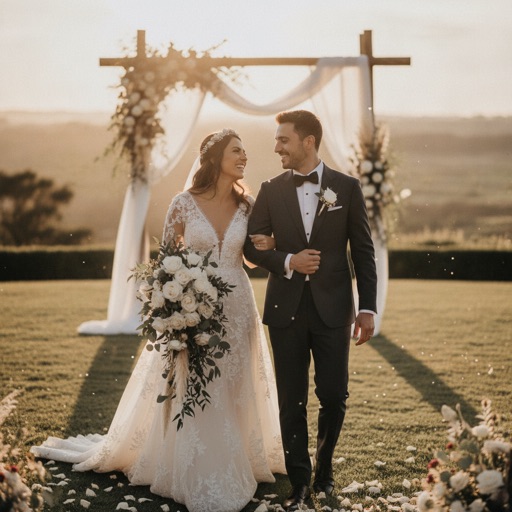
AI couple photo of two people together in a wedding scene
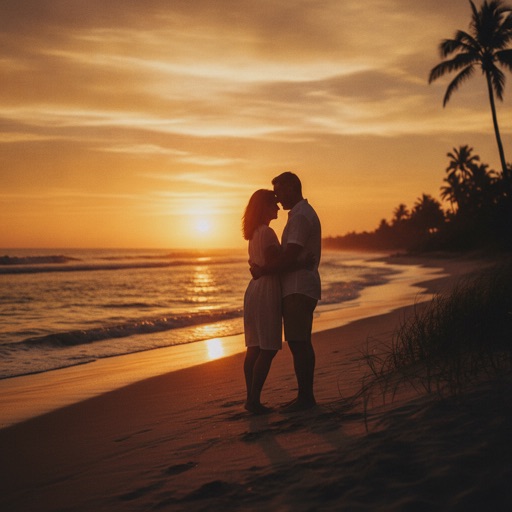
AI couple photo of two people together at sunset
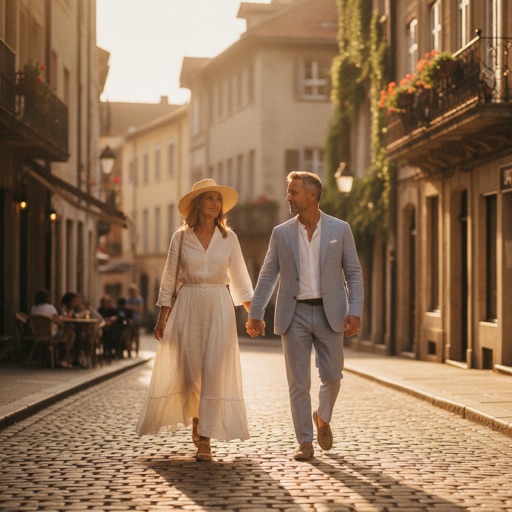
AI couple photo of two people holding hands in one scene

Also available: a kiss and travel scenes. See every couple scene.

AI proposal photo vs a photo collage

What you getAI Photo Redesign Love StoryCollage app
Two people in one sceneOne shared proposalTwo boxes side by side
Realistic (not side-by-side)Yes, one real momentFrames and borders
Keeps both facesYes, each keeps their faceWhatever you pasted
Romantic settingBuilt-in sceneLayout templates only
EffortSeconds, automaticManual cropping

How to make your AI proposal photo

No editing skills, no cutting out backgrounds - just pick, choose and generate.

1

Pick two photos

Add one photo of each person from your camera roll.

2

Choose the proposal scene

Or a wedding, kiss, sunset or travel - one tap.

3

Generate

Get one realistic proposal photo in seconds - each keeps their face.

More AI photo tools

One app, many looks. Explore the most popular AI photo makeovers.

AI proposal photo FAQ

Can I make a proposal photo from two separate photos?

Yes. The AI proposal photo maker takes two separate photos - one of each person - and merges both people into one realistic engagement scene together, even if you were never in the same place. You pick the proposal moment and the AI builds a single shared photo.

Do both people keep their own face?

Yes. Love Story is built around face preservation, so each person keeps their own real face. The AI proposal photo stays clearly recognizable as the two of you - it only places you together in the engagement scene, it never swaps a face.

Can we pick other scenes?

Yes. Beyond the proposal, Love Story also composes a wedding, a kiss, a sunset and travel scenes. The AI places both people into whichever single scene you choose.

How much does it cost?

The app is free to download and photos start from $0.99. For more, you can subscribe or buy one-time photo packs. The app is built for iPhone on iOS 17 and later, and results generate in seconds with HD and 4K export.
Recreate the proposal.

Download AI Photo Redesign and create your first AI proposal photo from $0.99.